How to take a US passport photo with your phone
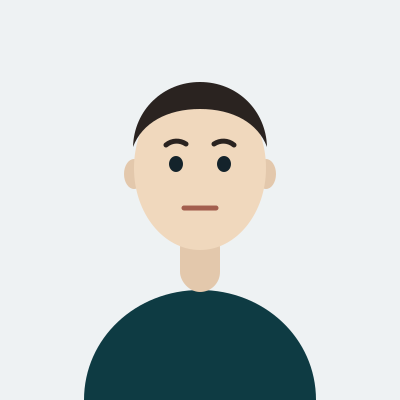
The US photo is square — 2×2 inches, 51 mm a side — which is the first thing people get wrong, because almost every other country asks for a tall rectangle. Shoot the frame loose and let the crop do the work: stand about 1.5 metres from a plain, light wall, have someone hold the phone at your eye level with the rear camera, and leave space above your head and below your shoulders. Cropping in later is always possible; inventing a chin that was cut off is not.
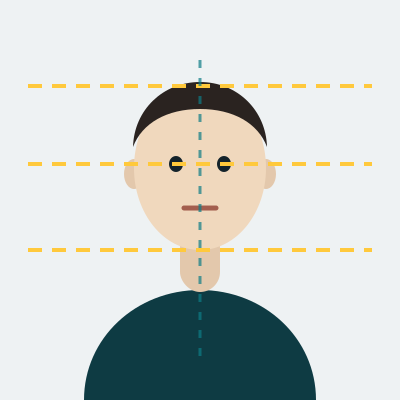
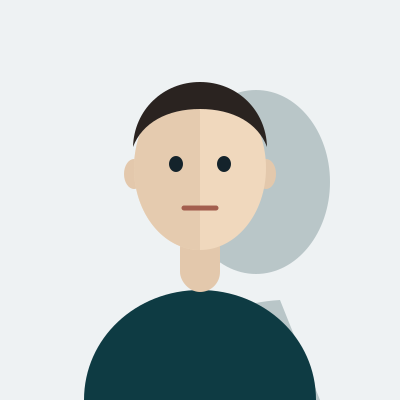
Light matters more than the camera. Face a window during the day, or put two lamps at the same distance on either side of the phone. A single lamp behind the photographer is what throws the hard shadow that ruins the background, and a ceiling light straight above darkens the eye sockets. Inside the square, the head has to measure 25–35 mm from the chin to the top of the crown, with the eye line 28–35 mm up from the bottom edge — we place both for you once the photo is uploaded.
Why a US passport photo comes back
Glasses are the big one. The Department of State stopped accepting eyewear in passport photos in November 2016; there is no "without glare" exception, so take them off entirely rather than pushing them onto your hair, where the frame still shows.
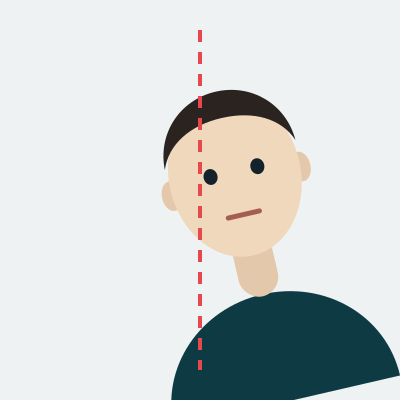
After that: a background that is not plain white or off-white, a head that fills too much or too little of the square, a smile with teeth, a uniform, and a photo older than six months. Digital uploads add their own limits — at least 600×600 pixels, at most 1200×1200, JPEG, and no larger than 240 KB.
Where a US passport photo is used
The same 2×2 photo serves the new passport, the renewal by mail, the passport card, and most USCIS forms; the Diversity Visa lottery uses the same square at its own pixel limits. Bring a printed pair to an acceptance facility and keep the digital file for the online renewal. The requirements in full are on the official State Department photo page.