How to take a UK passport photo with your phone
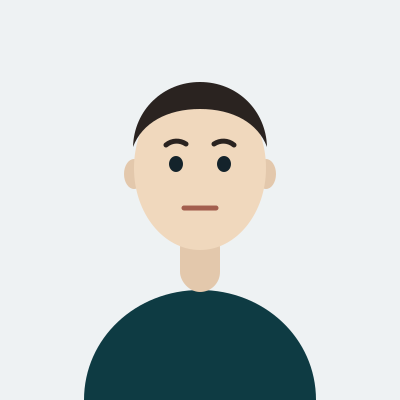
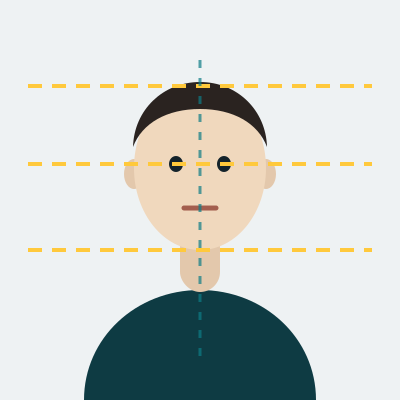
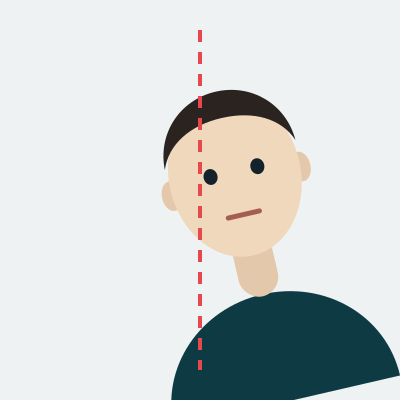
The British photo is 35×45 mm, the standard European rectangle, and the head has to measure 29–34 mm from the crown to the chin. That is a tighter crop than most people expect: the top of the hair sits close to the upper edge and the shoulders are barely in the frame. Shoot wider than that and let the crop happen afterwards — stand about 1.5 metres from a plain wall, phone at eye level, rear camera, nothing held in front of you.
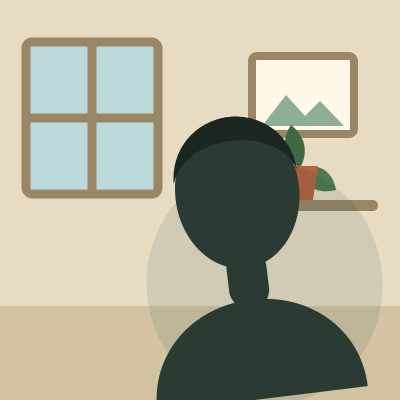
The background is the detail that catches people out. His Majesty's Passport Office asks for a plain light grey or cream background rather than pure white, so a white wall photographed in cold light can read as the wrong colour, and a warm lamp can push a cream wall towards yellow. We set the background to the exact shade the office expects, which is why the colour is stated as a hex value in the facts above.
Why a UK passport photo comes back
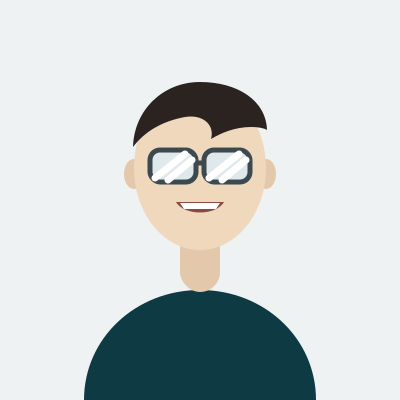
Glasses are allowed but discouraged, and the two things that fail are glare on a lens and tinted or darkened lenses — including photochromic lenses that have not gone clear indoors. If you can see any reflection at all, take the glasses off.
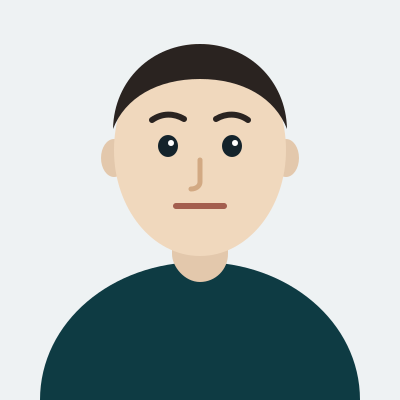
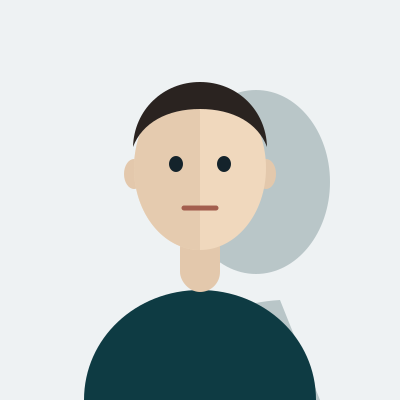
The rest of the list is familiar: shadows on the face or behind the head, hair across the eyes, a smile or raised eyebrows instead of a neutral expression, a photo older than a month, and anything covering the face. A religious or medical head covering is accepted as long as the face is fully visible from the bottom of the chin to the top of the forehead.
Where a UK passport photo is used
The same photo works for a first adult passport, a renewal, a child passport and the online application, where you either upload the digital file or type the code a photo booth or shop gave you. Keep both: the digital file for the online form and a printed pair for a paper application or a countersignature. The current rules are on the official gov.uk photo page.